Quick Start
Run your first accessibility scan in under 2 minutes.
Open the Dashboard
Go to the ClearSight dashboard. No account required.
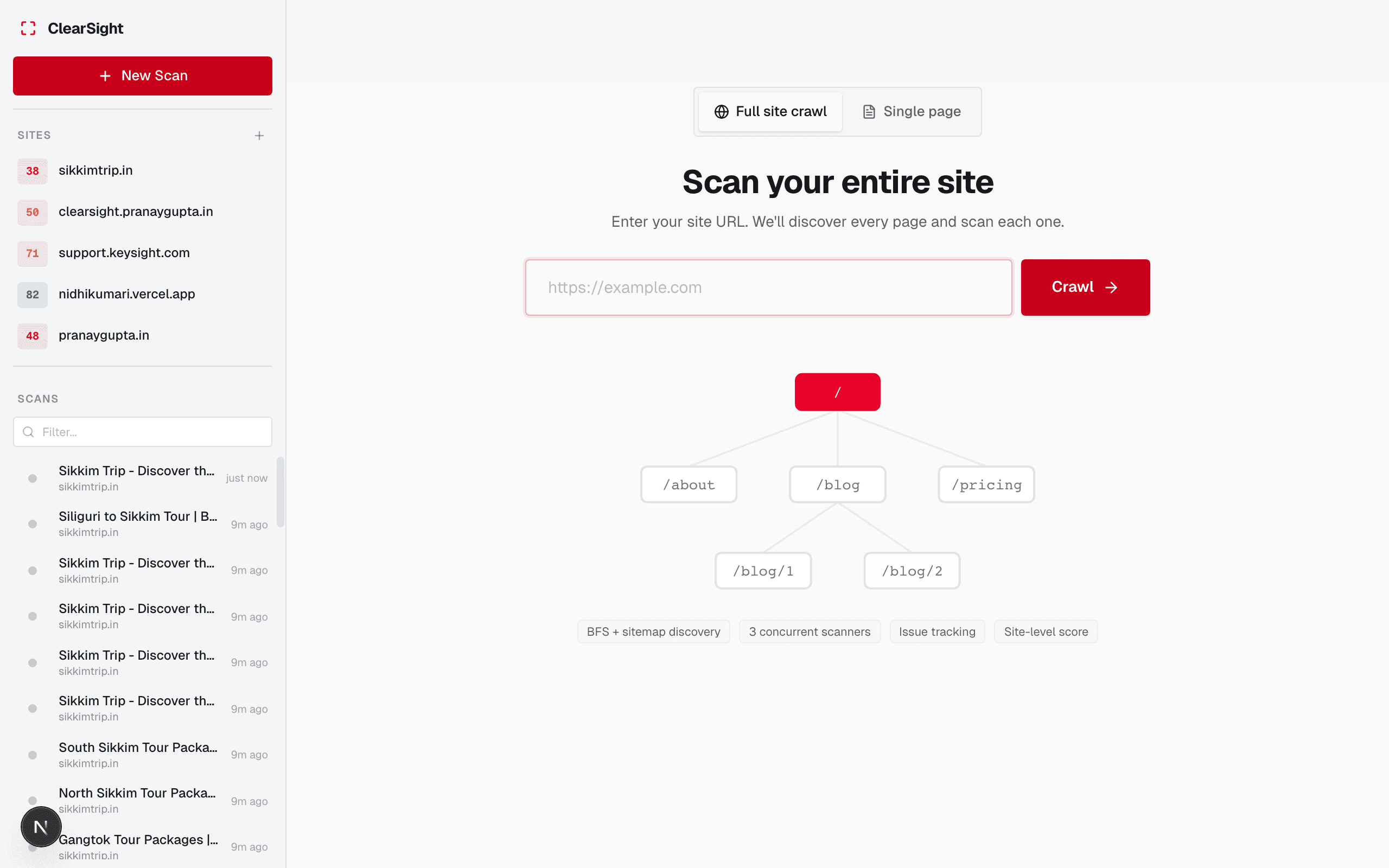
Enter a URL
Type or paste any public URL — a homepage, a product page, a blog post. ClearSight doesn’t support authenticated pages yet.
ClearSight can only scan publicly accessible pages. Pages behind a login, VPN, or IP allowlist will fail to load.
Choose scan type
- Single-page scan — scans just the URL you entered
- Full-site crawl — follows links from that URL and scans every page it finds on the same domain
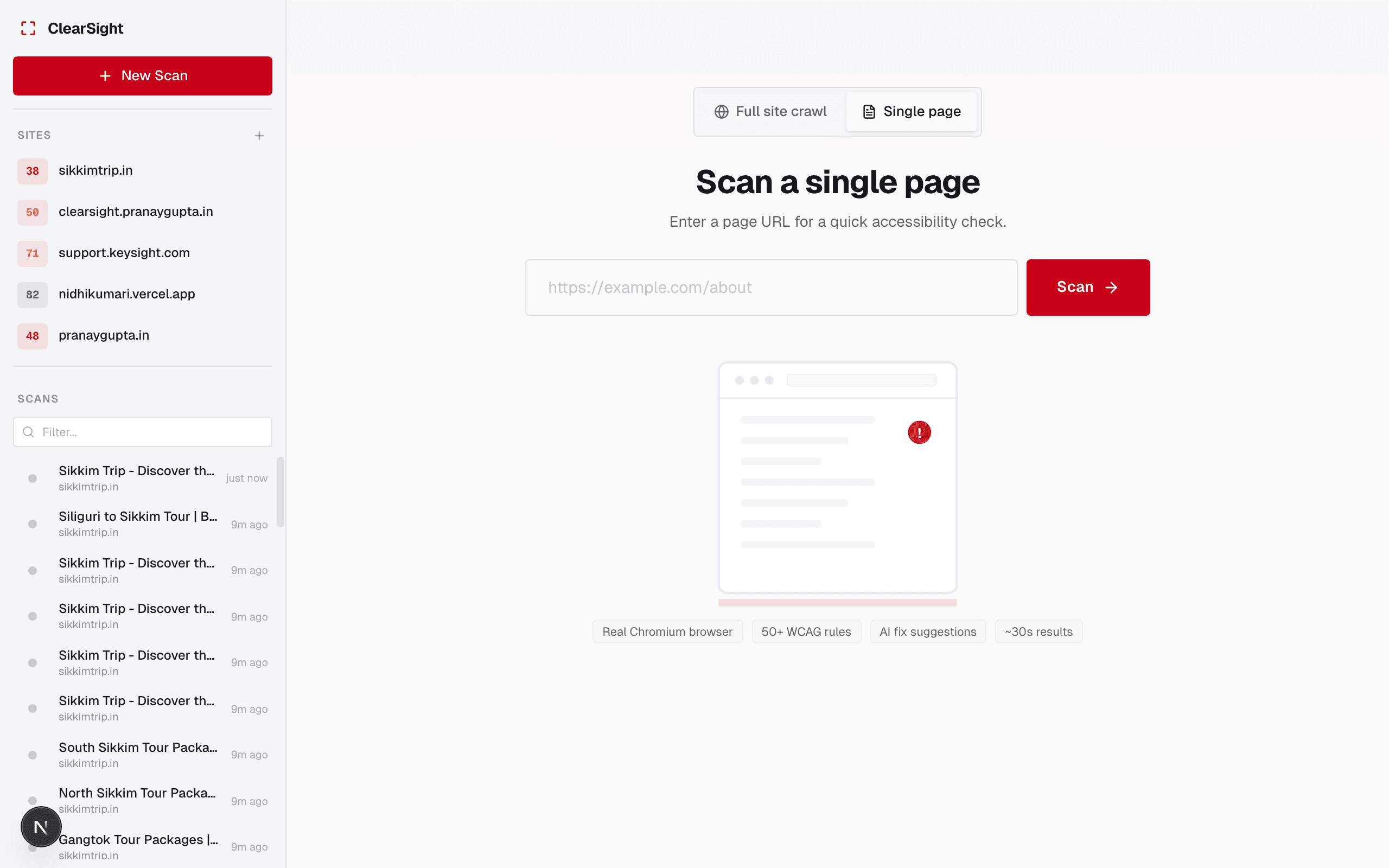
Wait for results
Single-page scans finish in 15–30 seconds. Full-site crawls take longer depending on how many pages your site has — you’ll see live progress as pages are discovered and scanned.
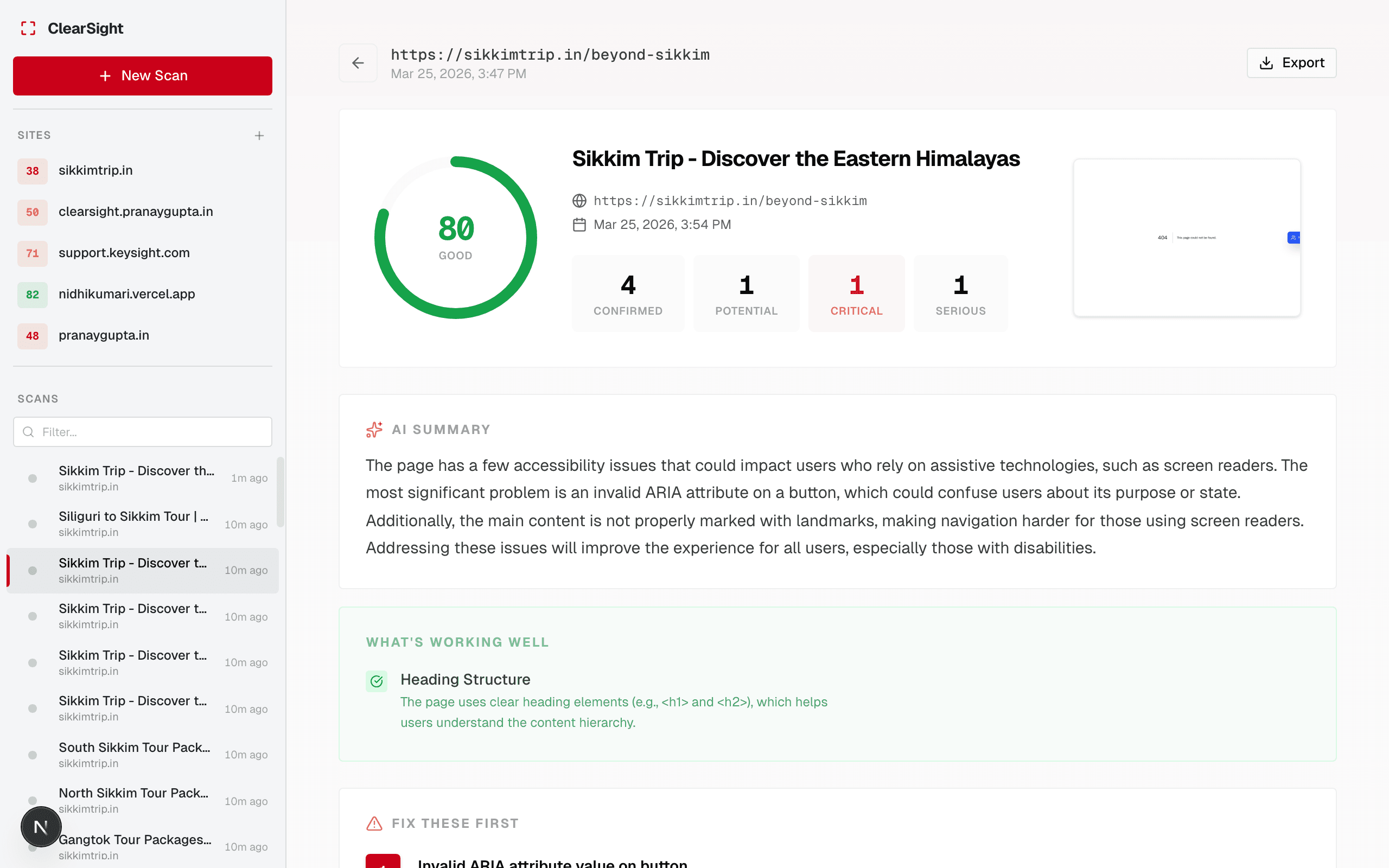
Review your score
You’ll see an overall accessibility score (0–100) and a breakdown of issues by severity. Click any issue to see what’s wrong, where it is on the page, and how to fix it.
What happens next
Last updated on