Severity Levels
Every accessibility issue is rated on a four-level severity scale, adapted from axe-core’s impact levels.
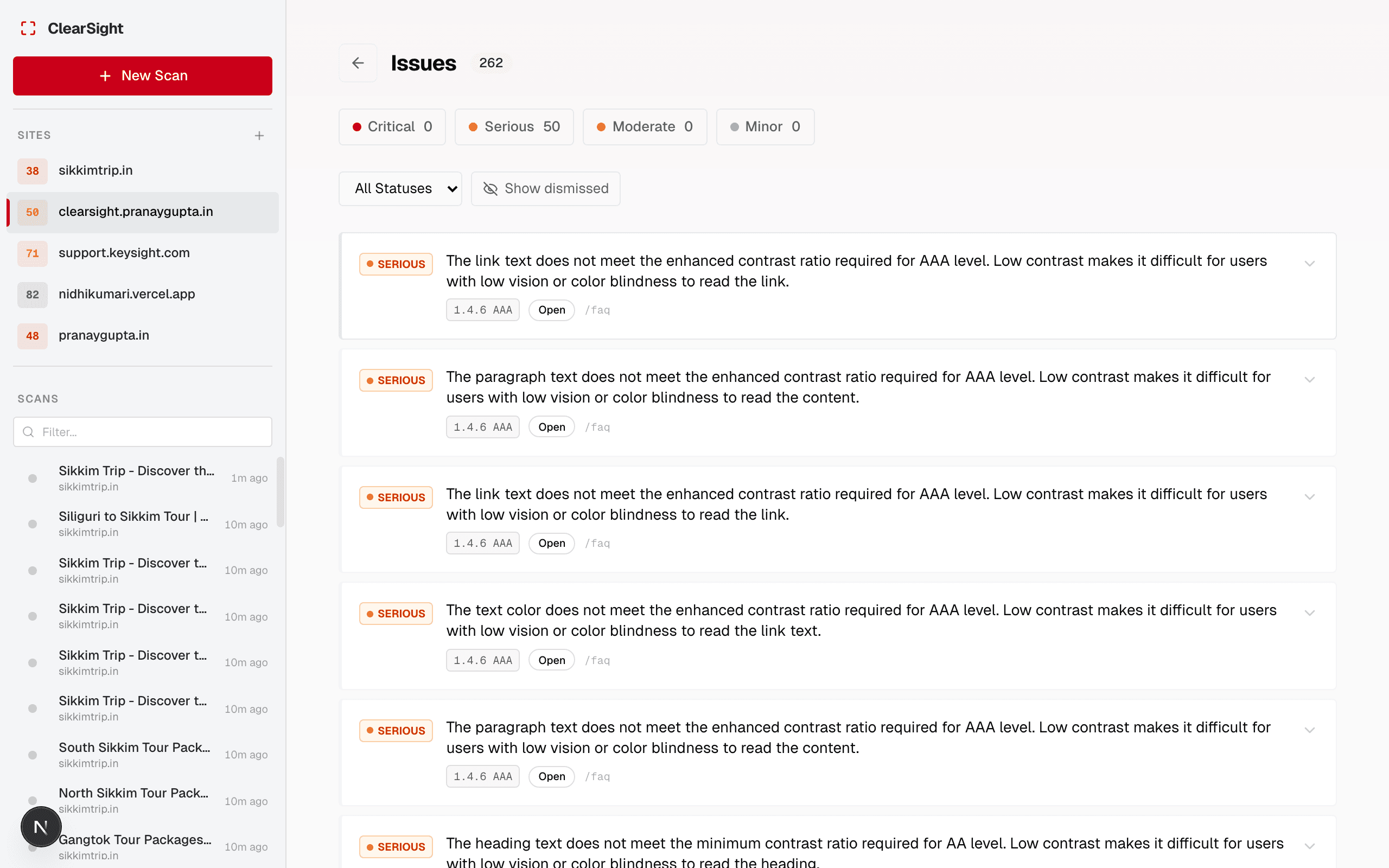
The four levels
Critical
Will block users from completing tasks.
Examples: images with no alt text that convey meaning, form fields with no label, keyboard traps, missing page <title>.
Fix these first. Real users are failing because of them.
Serious
Significantly hinders access for users with disabilities.
Examples: low color contrast (below 3:1), links with no accessible name, missing landmark regions.
Fix these after Critical issues. They cause real friction even if they don’t completely block users.
Moderate
Creates barriers but workarounds usually exist.
Examples: redundant alt text, improper heading hierarchy, missing language attribute.
Address these in your next sprint after clearing Critical and Serious.
Minor
Best-practice violations that affect quality but have low impact.
Examples: links that open in a new tab without warning, table headers without scope attributes.
Fix these when you have capacity. They matter but won’t block most users.
Prioritization tip
Focus on Critical + Serious issues first — they account for the majority of real-world access barriers. A site scoring 60 with all Critical issues fixed is far more accessible than one scoring 70 with Critical issues unaddressed.