Single-Page Scan
A single-page scan audits one URL for WCAG 2.1 A and AA violations. Results are ready in about 30 seconds.
When to use it
- Checking a specific page you just built or changed
- Quickly auditing a landing page or critical user flow
- Testing via the Chrome extension while browsing
For auditing an entire site, use Full-Site Crawl instead.
Running a scan
Enter the URL
Paste the full URL including https://. The URL must be publicly accessible.
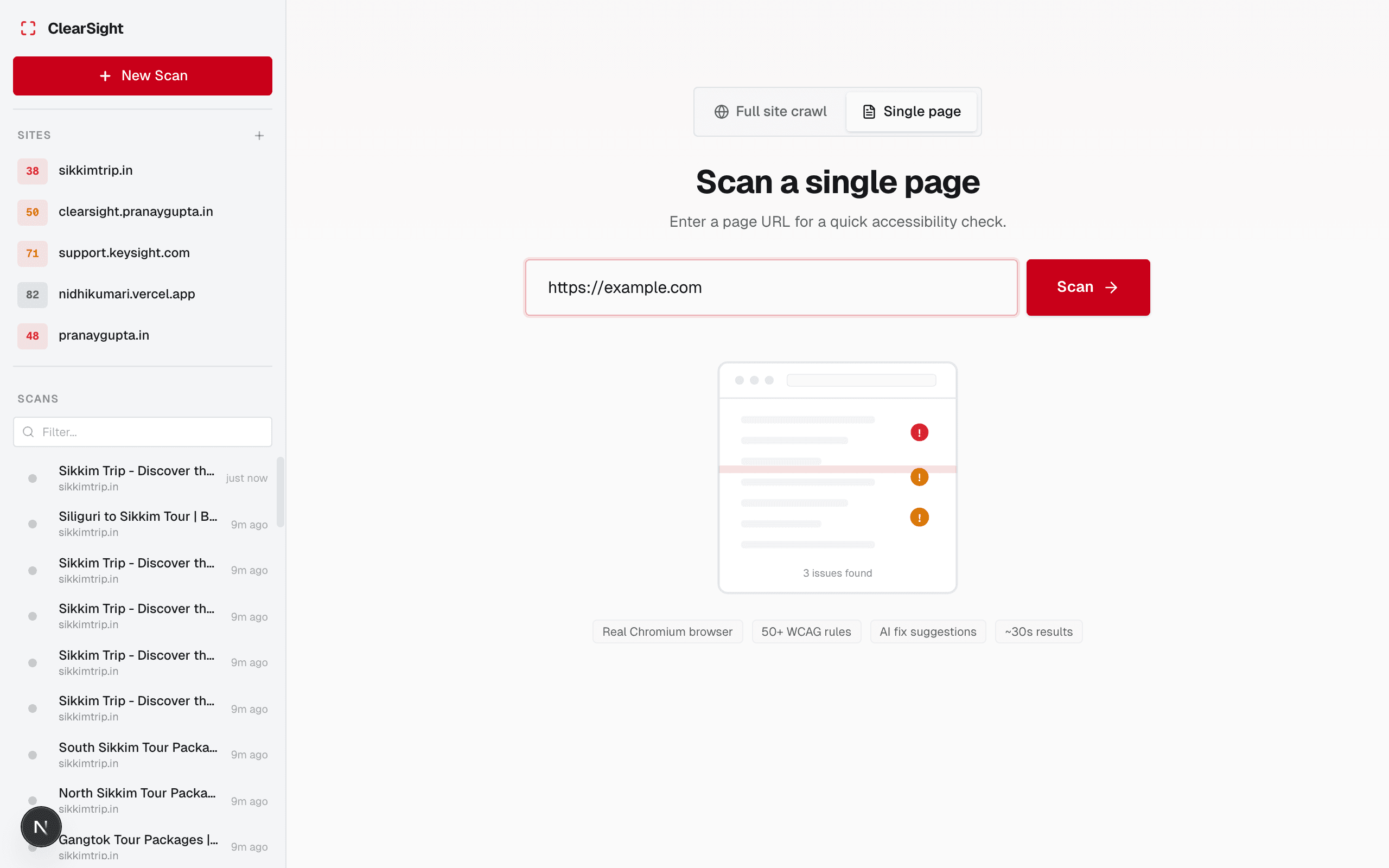
Start the scan
Click Scan now. ClearSight will:
- Load the page in a headless browser
- Run axe-core accessibility checks
- Check link text and touch target sizes
- Generate AI descriptions and fix suggestions
Watch the progress
The progress bar shows which stage the scan is on:
- Fetch (0–20%) — loading the page
- Analyze (20–40%) — running axe-core
- Custom checks (40–55%) — link text and touch targets
- Enrich (55–80%) — AI fix suggestions
- Store (80–100%) — saving results
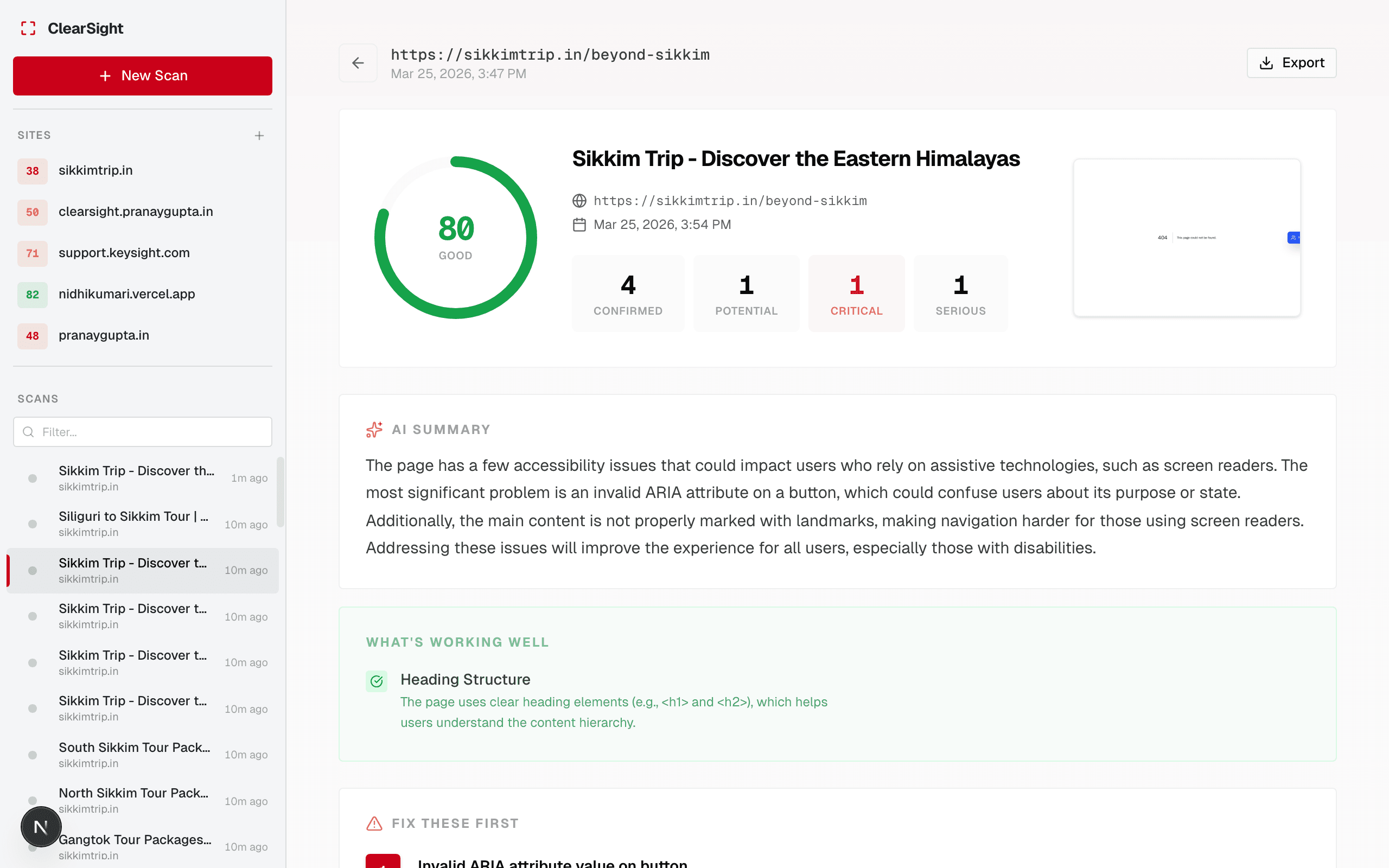
Once complete, you’ll see the full results with your accessibility score, AI summary, and issue breakdown.
Rate limits
Single-page scans are limited to 10 per hour per IP address. If you hit the limit, wait and try again.
What gets scanned
The scanner loads the page exactly as a user would see it in a browser — JavaScript is executed, CSS is applied. This means:
- Dynamic content rendered by JavaScript is included
- Content behind login walls is not included
- iframes are not scanned
Next steps
Last updated on