Confirmed vs Potential Issues
ClearSight marks every issue as either Confirmed or Potential.
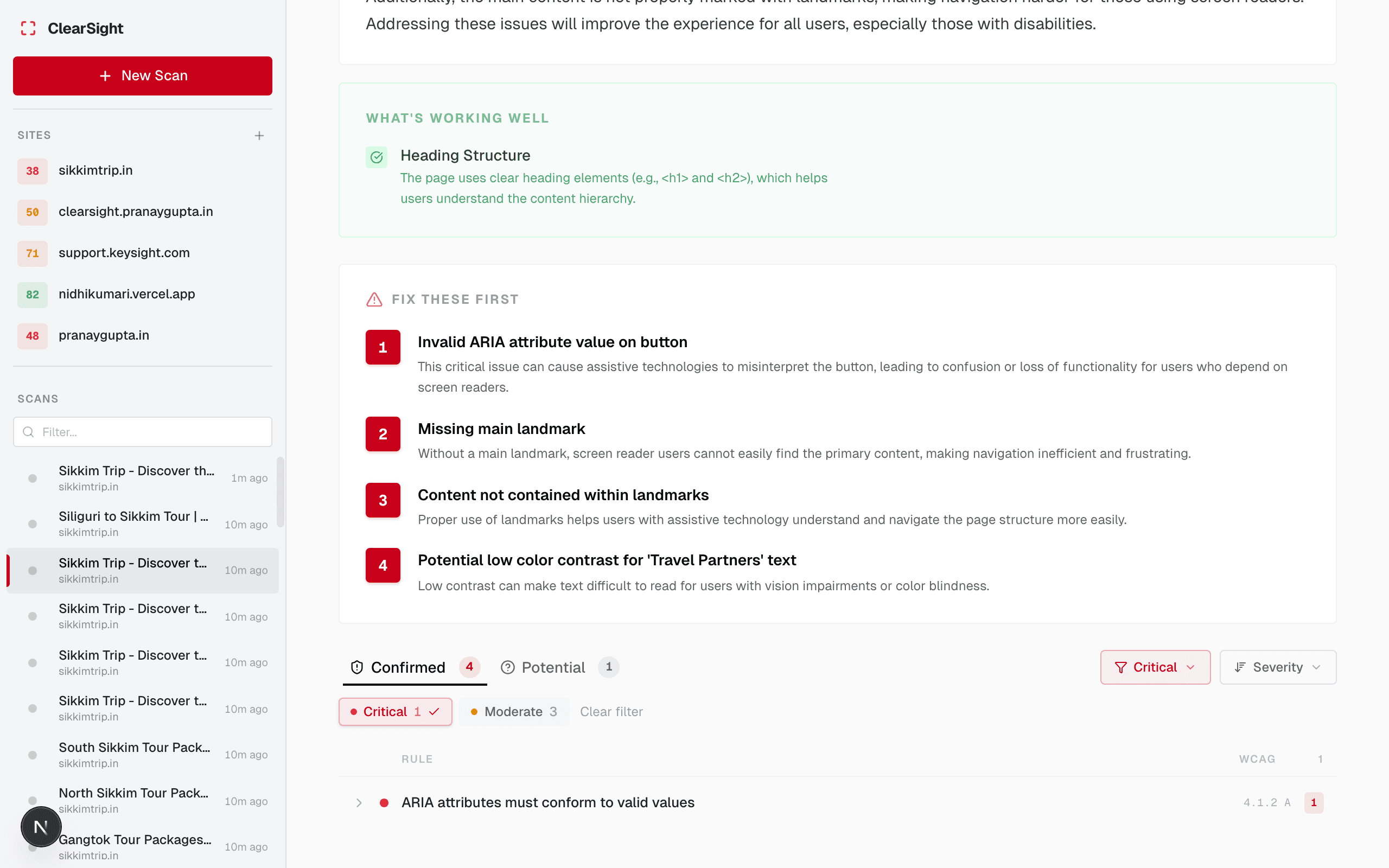
Confirmed issues
Confirmed issues are definite WCAG violations that axe-core can detect with certainty. There is no ambiguity — the page fails this rule.
Examples:
- An
<img>with noaltattribute - A button with no accessible name
- Color contrast below the required ratio
Act on these immediately. They are real failures.
Potential issues
Potential issues are cases where automated testing can’t be certain, but a violation is likely. They require human judgment to confirm or dismiss.
Examples:
- An
<img>where axe-core detected alt text but can’t tell if it meaningfully describes the image - A link whose text is technically present but may not be descriptive enough (“click here”)
- Touch targets that are close to but not definitively under the size threshold
Potential issues have a confidence score (0–100%) indicating how likely they are to be real violations. Higher confidence = more likely to be a real problem.
What to do with Potential issues
- Review each one using the Visual Inspector
- If it’s a real problem — fix it like any other issue
- If it’s a false positive — dismiss it so it doesn’t affect your score
Next steps
Last updated on