Full-Site Crawl
A full-site crawl discovers every page on your domain and scans each one for accessibility issues. Use this for complete audits and ongoing monitoring.
How it works
ClearSight starts from your homepage and follows every internal link it finds — like a search engine crawler. It also reads your /sitemap.xml if one exists. Every discovered page gets a full accessibility scan.
Running a crawl
Add your site
The first time you crawl a domain, ClearSight creates a site for it. Click New Site and enter your domain (e.g. https://example.com).
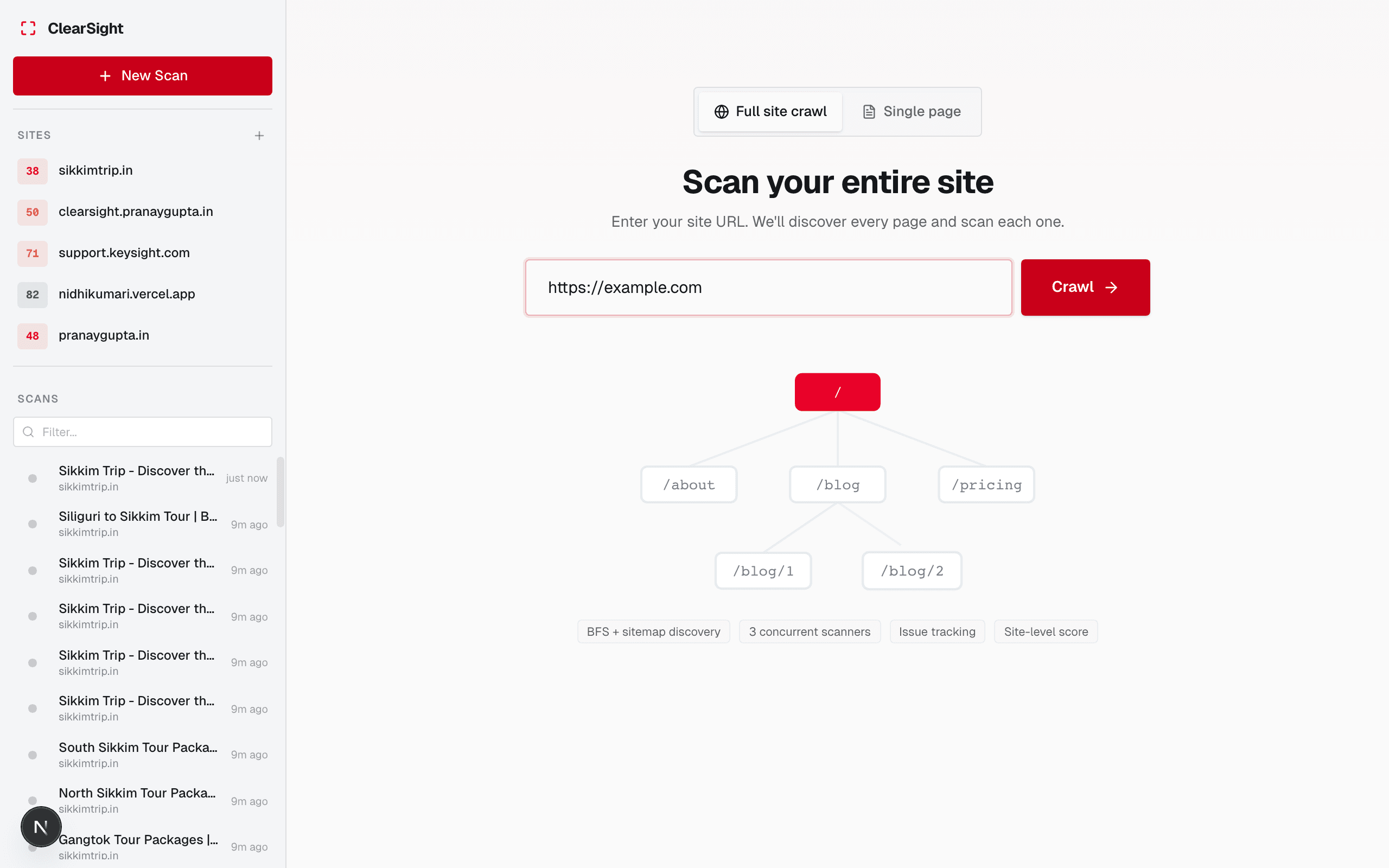
Start the crawl
Open your site and click Crawl Now. ClearSight will begin discovering pages immediately.
Watch live progress
The crawl dashboard shows:
- Pages discovered so far
- Pages scanned
- Current overall score (updates as pages finish)
- A live feed of issues found
Review the results
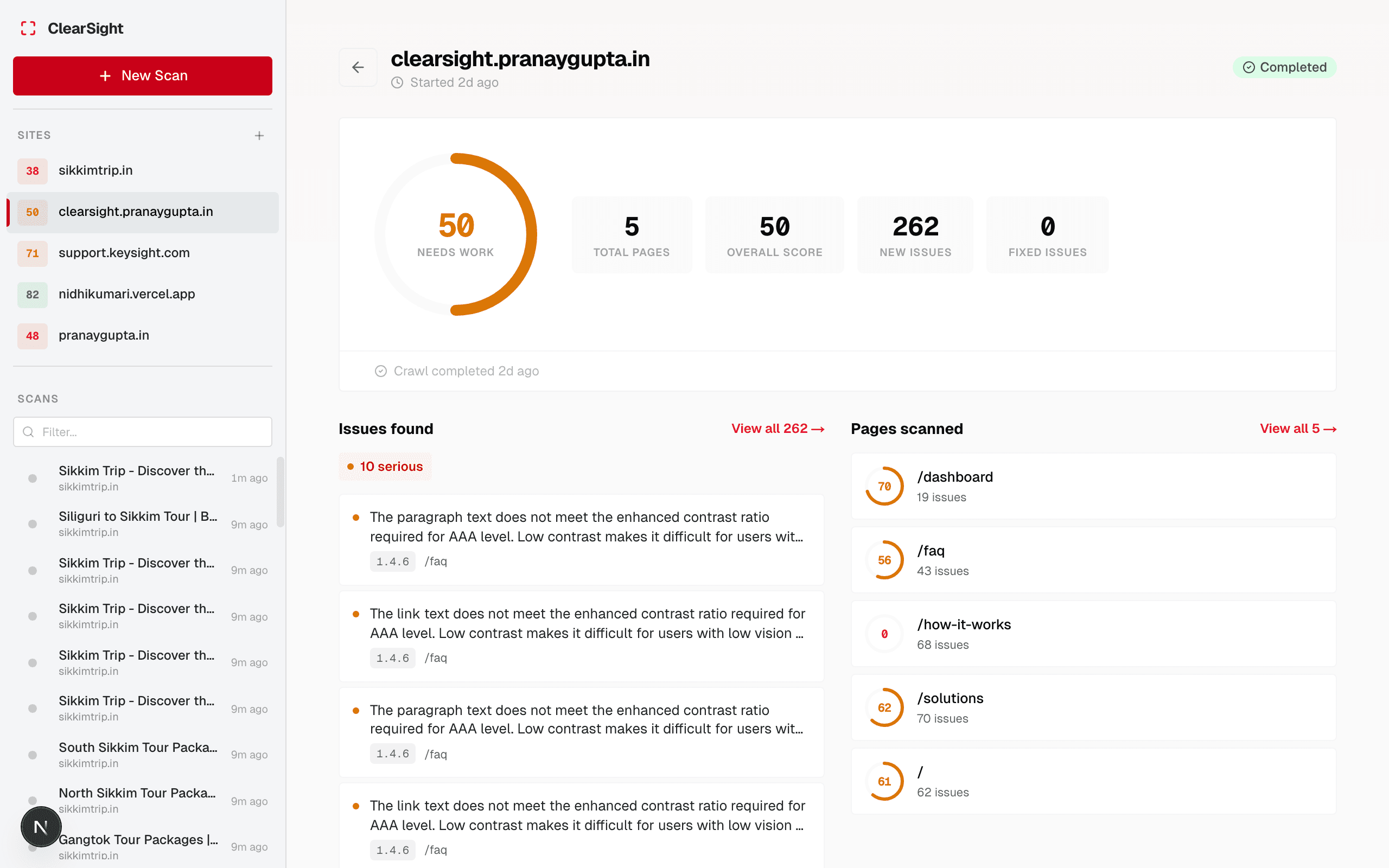
When the crawl completes, you’ll see:
- An overall site-wide accessibility score
- Total issues by severity
- Which pages have the most problems
- How this crawl compares to your previous one (new issues, fixed issues)
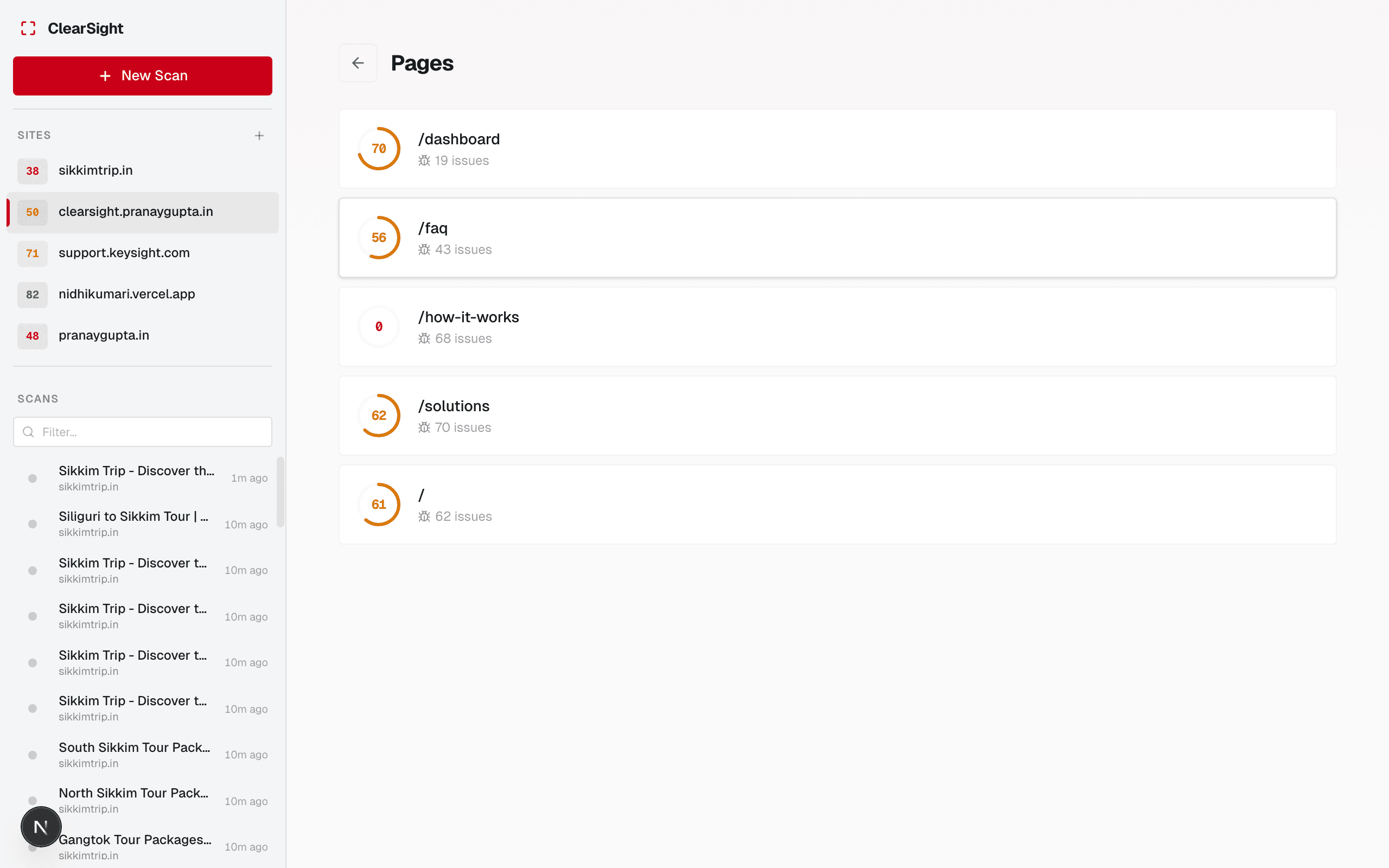
You can also view all pages with their individual scores and issue counts.
How long does it take?
It depends on how many pages your site has and how complex they are. A 20-page site typically finishes in 3–5 minutes.
Stopping a crawl
Click Cancel at any time. Results for pages already scanned are saved and viewable.
Only one crawl can run per site at a time. If you start a new crawl while one is running, the existing one must finish or be cancelled first.
Limitations
- Pages behind a login are not scanned
- JavaScript-heavy SPAs may yield fewer discovered pages (the crawler uses lightweight HTTP discovery, not a full browser)
robots.txtis not respected — ClearSight scans all pages it can reach